Introduction
External SSDs have emerged as one of the easiest means of providing fast and portable storage space to laptops, desktop PCs, gaming consoles, and even phones that support it. As opposed to conventional external hard drives, SSDs lack any mechanical moving parts and thus are faster, quieter, and generally well-suited to being moved around while storing vital information.
No matter what your use is for an external drive, be it file backup, editing videos or photos, gaming, storing documents, and more, the choice of external SSDs is of utmost importance in this context. The modern portable SSDs can provide the data transfer rate of about 1,000MB/s, while advanced USB 3.2 Gen 2×2 and USB4 drives can do even much better.
This article discusses some of the best external SSDs for fast storage and backup in 2026 and describes the considerations when choosing the best one.
Why Choose an External SSD?
external SSDs are more advantageous when compared to a standard portable hard drive.
Transfer Large Files Faster
One of the most important advantages of using SSD is faster file transfer. Large files like movies, pictures, games, and software can be transferred very fast compared to the conventional HDD.
USB 3.2 Gen 2 x 2 SSD can deliver speeds up to 2,000MB/s, while new USB4 SSD can offer more than 3,000MB/s.
Improved Portability
Portability is one of the advantages of using a portable SSD since the size of most SSDs is pocket-sized. This is beneficial to those people who move around from place to place.
Without Moving Parts
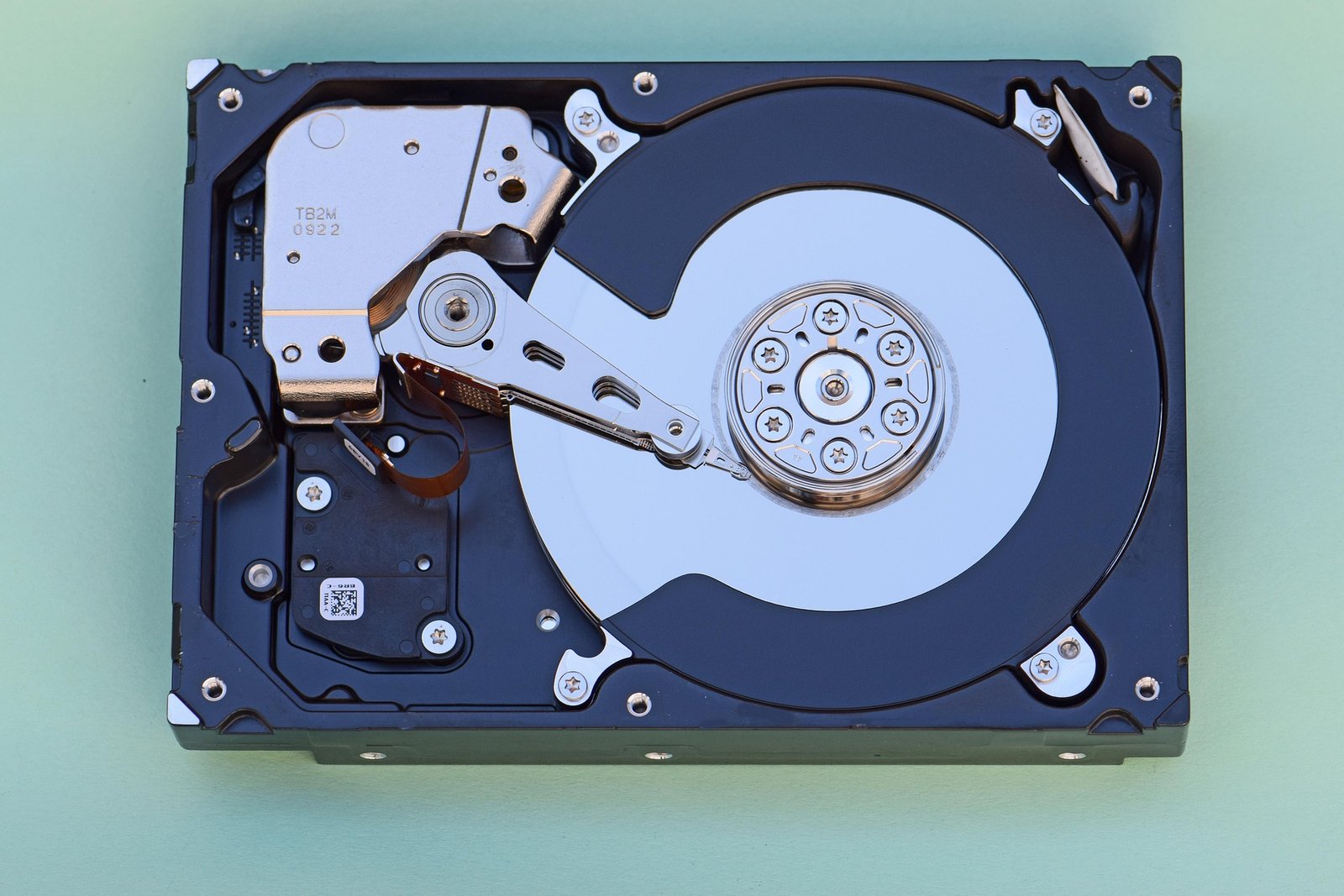
Hard disk drives rely on spinning platters with moving parts, but not solid-state drives because these use flash memory. This means that an SSD has no moving parts. This is especially advantageous in portable SSDs.
Useful for Backing U
external SSDs can prove to be useful in creating a second copy of your important files such as documents, photographs, videos, and others.
But it shouldn’t be your only method of backing up because you need to have multiple copies stored in different places.
Best External SSDs for Fast Storage and Backup
Here are some of the most excellent products you should consider in 2026.
1. Samsung T9 Portable SSD
Samsung T9 is a versatile storage option offering the blend of fast performance, high reliability, portability, and security features.
This device is based on USB 3.2 Gen 2×2 and boasts read/write rates up to 2,000MB/s as per the manufacturer’s claims. It comes in various storage capacities such as 1TB, 2TB, and 4TB.
Features
Up to 2,000 MB/s read/write speeds
USB 3.2 Gen 2×2
1TB, 2TB, and 4TB
Compact design
Supports hardware-based encryption
Water-resistant
USB-C interface
The T9 drive is especially ideal for those that often transfer large amounts of data. Those in video editing, photography, development, or gaming can take advantage of its blazing speed.
Best for: Speed.
2. SanDisk Extreme PRO Portable SSD
- SanDisk Extreme PRO Portable SSD
Durability is a key consideration? The SanDisk Extreme PRO is another great choice.
This drive blends top-notch transfer speeds with rugged build quality. Present models offer speeds of up to around 2,000MB/s via USB 3.2 Gen 2×2, while USB4 models deliver much faster speeds on supported systems.
The rugged models have protection against dust and water ingress, which makes them popular among photographers, travelers, and outdoor content creators.
Main features include
High-speed USB-C connectivity
Up to 2,000MB/s via USB 3.2 Gen 2×2
Rugged design
Protection from dust and water on supported models
Encryption built into the hardware
Various storage capacity options
Most suited for: Traveling, photography, working outdoors, and rugged storage.
3. Crucial X10 Pro
The Crucial X10 Pro is yet another great option for those looking for ultra-fast storage drives that are portable.
The drive is based on the USB 3.2 Gen 2×2 interface and is rated at sequential read speeds of about 2,100MB/s. Its capacity options go up to 4TB.
The compact design allows you to move it easily, and the performance of this drive is great for heavy media tasks.
Features
Up to 2,100MB/s read speed
Up to 2,000MB/s write speed
USB 3.2 Gen 2×2 interface
Up to 4TB capacity
IP55 dust and water resistance
Hardware-based data encryption
Compact design
Best for: Creators and people who work with large files.
4. Samsung T7 Portable SSD
If you aren’t looking for speeds up to 2,000MB/s, the T7 by Samsung still serves its purpose.
This drive operates using USB 3.2 Gen 2 interface and works at a speed of approximately 1,000MB/s under appropriate conditions. The T7 is also quite small and easy-to-use device.
Key features
Performance of around 1,000MB/s class
USB-C interface
Small size and light weight
Several capacity options
Good compatibility
Good for both laptops and desktops
Best for: Regular backups and storage of general files.
5. WD My Passport SSD
The WD My Passport SSD would be good to look into if you need a portable drive that is small and simple without having to have blazing fast transfer rates.
It is a general storage drive, but one that is ideal for people who need something small for documents, photos, school work, and personal files. It is currently rated lower than the fastest drives in the 20Gbps class, but that may be fine for your needs.
Key Features
Small Design
USB-C connectivity
Portability
Many capacity options
Solid everyday performance
Ideal for general backups
Best for: Students, office workers, and general backups.
External SSDs Comparison
SSD Approx. Maximum Speed Interface Ideal for
Samsung T9 Up to 2,000MB/s USB 3.2 Gen 2×2 General usage
SanDisk Extreme PRO Up to 2,000MB/s* USB 3.2 Gen 2×2 Durable applications
Crucial X10 Pro Up to 2,100MB/s USB 3.2 Gen 2×2 Content creators
Samsung T7 Up to 1,050MB/s USB 3.2 Gen 2 General purpose usage
WD My Passport SSD Up to 1,000MB/s class USB 3.2 Gen 2 Value
*More recent USB4 technology will provide much faster transfer rates when connected to
Best External SSDs for Video Editing
The need for speed and consistent storage arises since today’s videos can be very large.
It will take just a matter of time to fill a small capacity hard drive in 4K or 8K, thus making a 2TB or 4TB solid-state drive more practical than a 500GB one.
The Samsung T9, SanDisk Extreme PRO, and Crucial X10 Pro would stand out for professional workflows since these SSDs have approximately 2,000MB/s-class read/write performance on systems which support USB 3.2 Gen 2×2.
Professional workloads which demand even more speed could use new-generation USB4 and Thunderbolt-class external SSDs.
Best External SSDs for Gaming
external SSDs may also serve well for game storage, especially if there is a lack of sufficient internal storage space.
Compatibility will vary depending on the operating system and game console used in PC gaming, while for console gaming, you should ensure compatibility before buying external SSDs.
In terms of gamers, a quality 1TB or 2TB SSD would prove to be a decent choice.
Best External SSDs for Travel
Durability becomes very important if you regularly use your flash drive while carrying it around in your backpack or camera bag.
The SanDisk Extreme PRO would be an excellent choice to consider due to its durable nature and water and dust resistance that comes with some models of it.
Another option would be the Samsung T7 that is very lightweight and small-sized, which makes it great for documents and regular files.
Final Verdict
The choice of the ideal external SSDs shall vary based on individual needs.
Samsung T9 is among the top-performing and portable SSDs that offer a good all-round performance. SanDisk Extreme PRO SSD provides the ideal solution to individuals looking for a rugged and portable SSD. Crucial X10 Pro SSD provides yet another good high-performance option. For individuals seeking normal usage that do not need top performance, Samsung T7 and WD My Passport SSD provide the best combination of performance, portability, and functionality.
Current 2026 buying guides still list Samsung T7 and WD My Passport SSDs as one of the noteworthy choices for portable storage devices.
In choosing a portable storage device, one should take into consideration their storage capacity requirements, the USB version used on their computer, and their performance requirements. These factors will enable one to select an SSD that offers them good performance and reliable storage at no added cost of features their computer cannot utilize.